
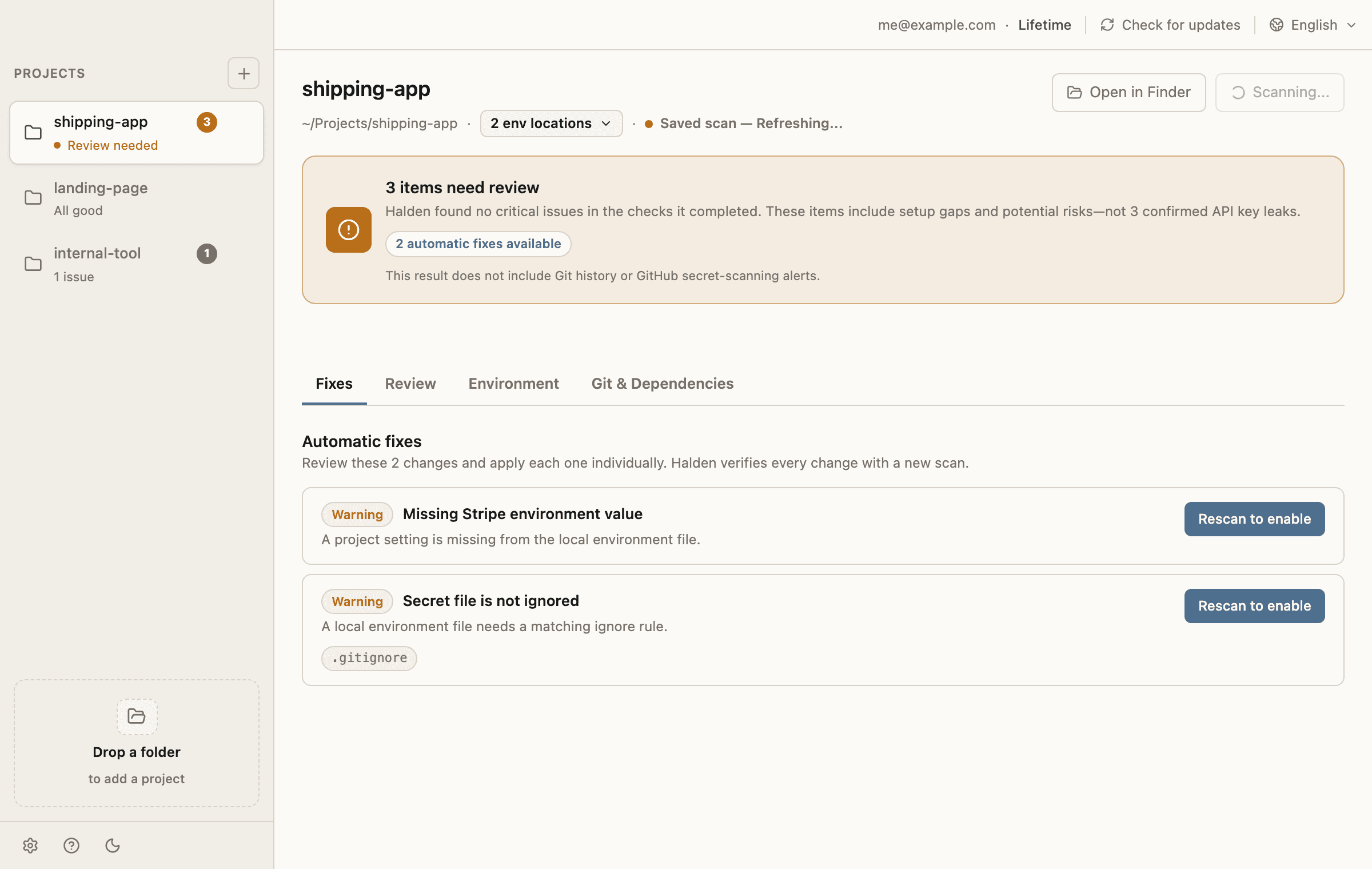
Scene 01 / AI tool context
Your coding agent can read the files you forgot to hide.
A local secret file can become prompt context when AI tools scan the workspace. Halden checks AI ignore files and shows the exact entries to add.
Halden scans your local project for hardcoded keys, unsafe env files, git history exposure, AI tool context, cloud sync, and missing setup. Fix what you can locally, then rotate what may already be exposed.
Where keys leak
Halden is built for the messy local project you are about to push, share with an AI tool, or deploy. It checks the surrounding paths where secrets often survive after the obvious file edit.
Scene 01 / AI tool context
A local secret file can become prompt context when AI tools scan the workspace. Halden checks AI ignore files and shows the exact entries to add.
Scene 02 / git history
Halden separates normal project fixes from git exposure checks so you know when a provider-side rotation or history cleanup still matters.
Scene 03 / env drift
Missing `.env.example` keys and misplaced env values make the next deploy, teammate setup, or future rebuild fail at the worst time.
Scene 04 / cloud sync
Projects inside iCloud, Dropbox, Google Drive, or OneDrive deserve an extra check before you assume a secret file is local-only.
Workflow
Halden keeps normal fixes, exposure checks, dependency diagnostics, and env editing in separate parts of the desktop app so the status stays honest.
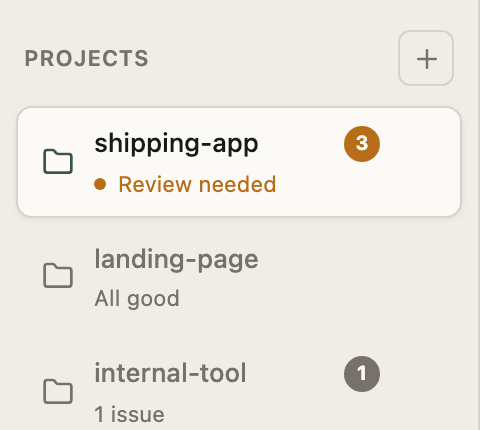
Drop a project folder and let Halden inspect source files, env files, git setup, AI ignore files, cloud sync, and dependency-audit targets.
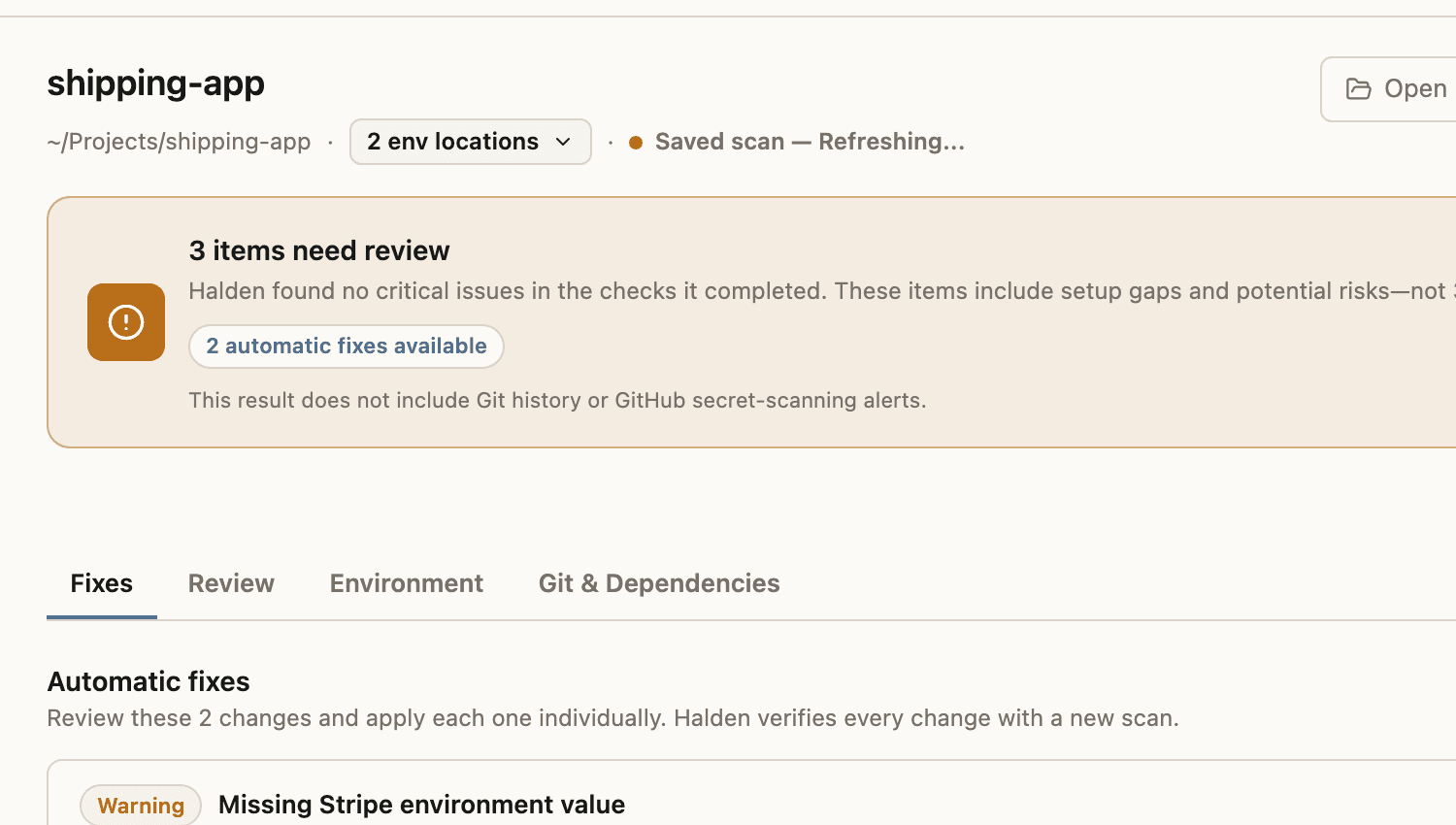
Move supported hardcoded values into env files, add missing templates, and update ignore rules without copying terminal commands.
Run git exposure and GitHub Secret Scanning checks separately so local fixes do not pretend to erase published history.
When a value may already be exposed, Halden keeps the provider-side rotation step visible instead of hiding it behind a green check.
Treat the project as ready only after the remaining warnings, manual follow-up, and environment setup are clear.
Trust model
Halden is a desktop app with a web account service. The normal scan and fix path does not need your source code or env values on the server.
These are processed locally during normal scanning and fixing.
These happen for account access, updates, or checks you request.
Halden detects common app structures and expected env-file conventions, then checks the files and folders that matter for that project.
Pricing
Starter and Lifetime use the same local-first secret handling. The difference is how many local projects you can keep protected.
Create an account, install the desktop app, and check one project before you pay.
Unlock more local projects on the same account when Halden becomes part of your pre-ship workflow.
FAQ
Normal scanning and fixing are local. Source code, env values, detected secret values, and file edits stay on your device. Account, license, update, and optional GitHub checks use separate service calls.
Not always. Moving the value fixes the current file, but a key may still need provider-side rotation if it was committed, shared, synced, or exposed elsewhere.
Halden treats git exposure as a separate check. It can point out local history and remote-ref evidence, then keeps cleanup and rotation as explicit follow-up.
No. Halden is built for local API key hygiene and guided fixes around AI-built apps. Dedicated scanners may have broader rule sets or live-key verification.
Halden is currently distributed for macOS. Windows and Linux should wait until native app builds and platform-specific release paths are ready.
Yes. Starter includes one local project. Lifetime unlocks more projects on the same account.